




Dependency injection the Unity way.
Inject dependencies in the Unity Editor, not Play Mode, by writing them directly into serialized fields at edit-time using familiar DI APIs, so everything stays visible in the Inspector, including interfaces.
No runtime container. No startup cost. No hidden wiring. No weird lifecycles. Just simple, deterministic edit-time DI that works with Unity, not around it.
Mental model
- Mark your fields, properties and methods with
[Inject]. - Create a
Scopethat binds dependencies for[Inject]members, and add it to a scene or prefab. - Click Inject in the Unity Editor.
- Dependencies are injected into serialized fields.
- Start the game and enjoy fast startup with Unity’s normal lifecycle.
Slide overview
A quick visual tour of how Saneject works, how editor-time DI differs from runtime DI, its core features, benefits, APIs, and examples.
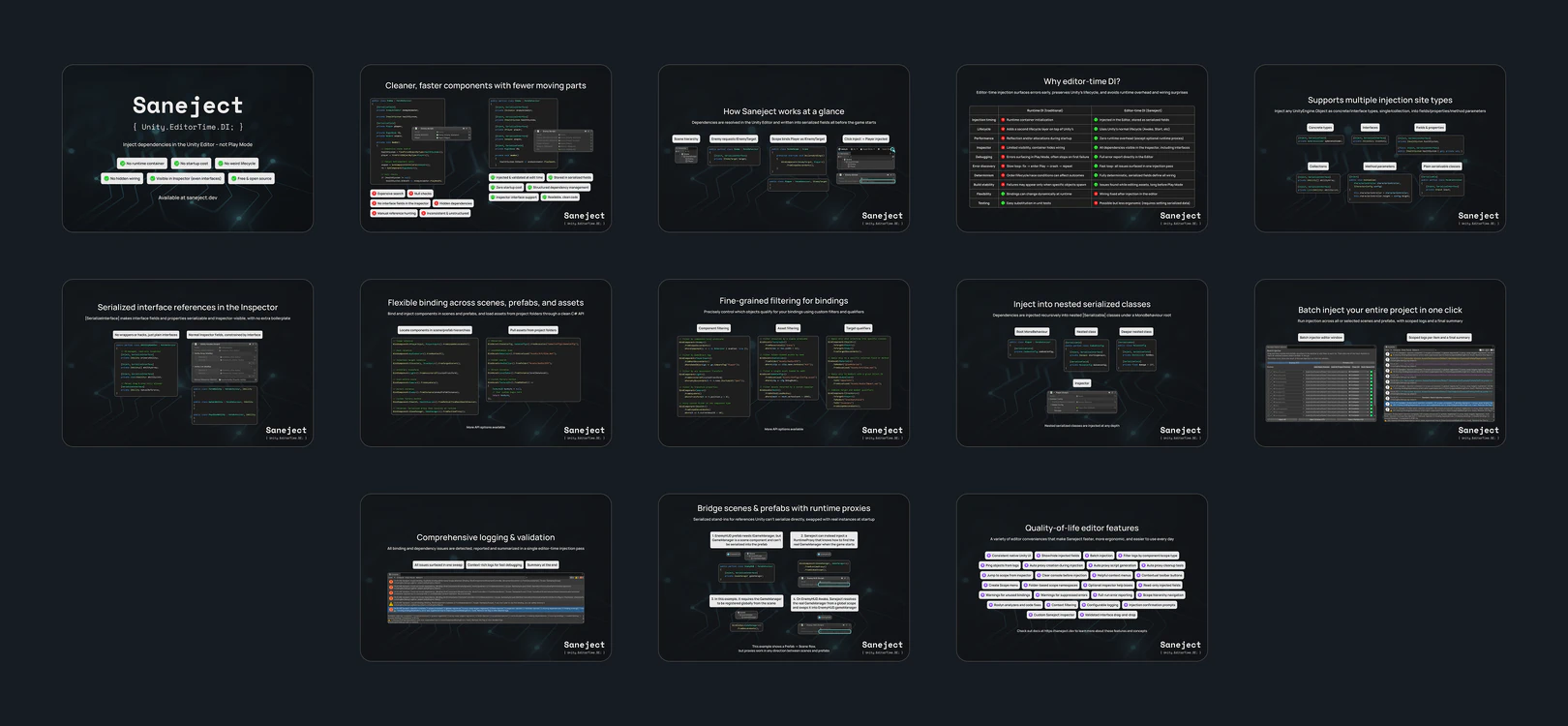
Main features
| Feature | Description |
|---|---|
| Editor-time injection | Resolve dependencies in the editor and store them as normal serialized references. |
| Inspector-visible wiring | Keep dependencies, including interfaces, visible and editable in the Inspector instead of hiding them behind a runtime container. |
| Fluent binding API | Declare bindings in Scope components with familiar DI-style syntax. |
| Serialized interfaces | Use [SerializeInterface] for interface fields, arrays, and lists without wrapper classes. |
| Scene, prefab, and context awareness | Control what gets injected where and how cross-context resolution behaves. |
| Runtime proxy bridging | Handle references Unity cannot serialize directly across scene and prefab boundaries. |
| Low runtime overhead | No runtime container, no reflection-based startup pass, and no extra lifecycle layer. |
| Built-in tooling | Use injection menus, batch injection, logging, validation, settings, analyzers, and more directly in the Unity Editor. |
For more features, see Feature overview.
Try Saneject now
Add this URL to Unity Package Manager (Unity 2022.3.12 or newer):
https://github.com/alexanderlarsen/Saneject.git?path=UnityProject/Saneject/Assets/Plugins/Saneject
Or download the latest release and import it folder into your Unity project.
Then jump to Quick start.
Feedback appreciated
If you try Saneject and something works well, feels unclear, or seems broken, I would love to hear about it.
- If you find a bug, please open an Issue.
- If you want to share feedback, ideas, or first impressions, drop a note in Discussions.